
Find blurry photos and clear them in a few taps
Photo Cleaner checks the sharpness of your latest photos and lists the soft, shaky and poorly lit ones.
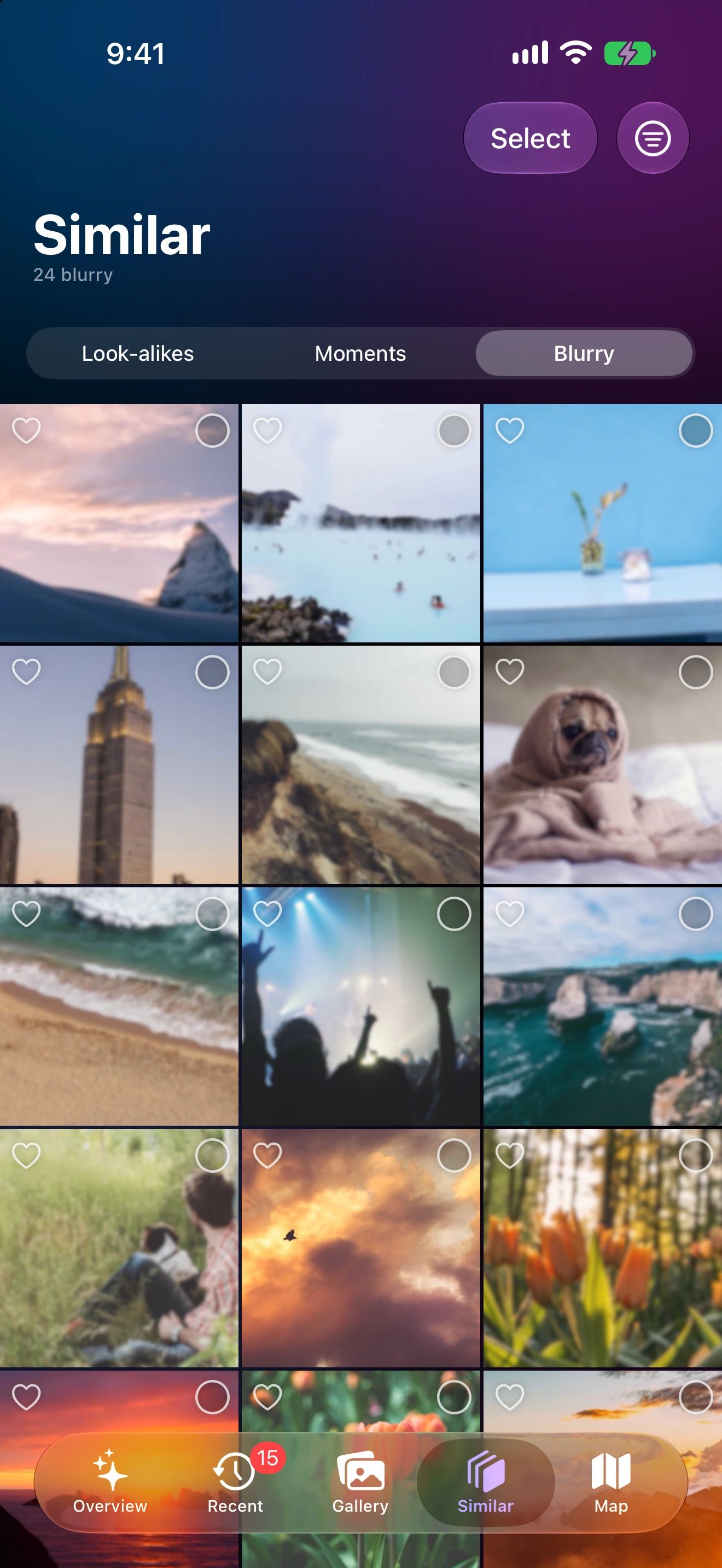
Out of focus, out of your library
Scan for blur
Sharpness is checked privately on your device.
Review the list
Soft, shaky or poorly lit photos are grouped in one grid.
Select and delete
Open any photo to check it full screen first.
Why blurry photos are easy to miss
Blurry photos hide in plain sight. In a grid of small thumbnails they look fine, and you only notice when you open one full screen.
Photo Cleaner checks the sharpness of your latest photos on your device and collects the soft, shaky and poorly lit ones in one place. Night shots, moving subjects and a missed focus point are the usual suspects.
How blur is detected
For each photo, Photo Cleaner measures how much fine detail it has and combines that with Apple’s on-device Vision quality score. Photos that fall below the threshold are listed as blurry. Because every photo is checked, the scan takes longer than finding look-alikes, and it all happens on your device.
Check before you delete
- Open a photo full screen and pinch to zoom to check faces and text.
- Shallow focus and deliberate motion blur can show up in the list. Leave those unselected.
- If a blurry shot is the only photo of a moment, keep it. A soft memory is better than none.
It’s also a good pass after an event: run the scan once, clear what didn’t work out, and keep the shots worth sharing.
Blurry Photos questions
How does Photo Cleaner decide a photo is blurry?
It measures how much fine detail each photo has and combines that with Apple’s on-device Vision quality score. Photos below the threshold are listed as blurry.
Why does the blur scan take longer than finding look-alikes?
Look-alikes only compare photos taken moments apart. The blur scan looks at every one of your latest photos.
Will it delete photos that are blurry on purpose?
No. Nothing is deleted until you select photos and confirm. Artistic motion blur or shallow focus may appear in the list, and you simply leave those unselected.
